A menu made for browsing
Product photos, descriptions and prices give visitors a clear view of what they can order throughout the week.
A website built around the everyday life of a food business: new bakes, changing prices and a Saturday market.
Visit the Khaya Kos website ↗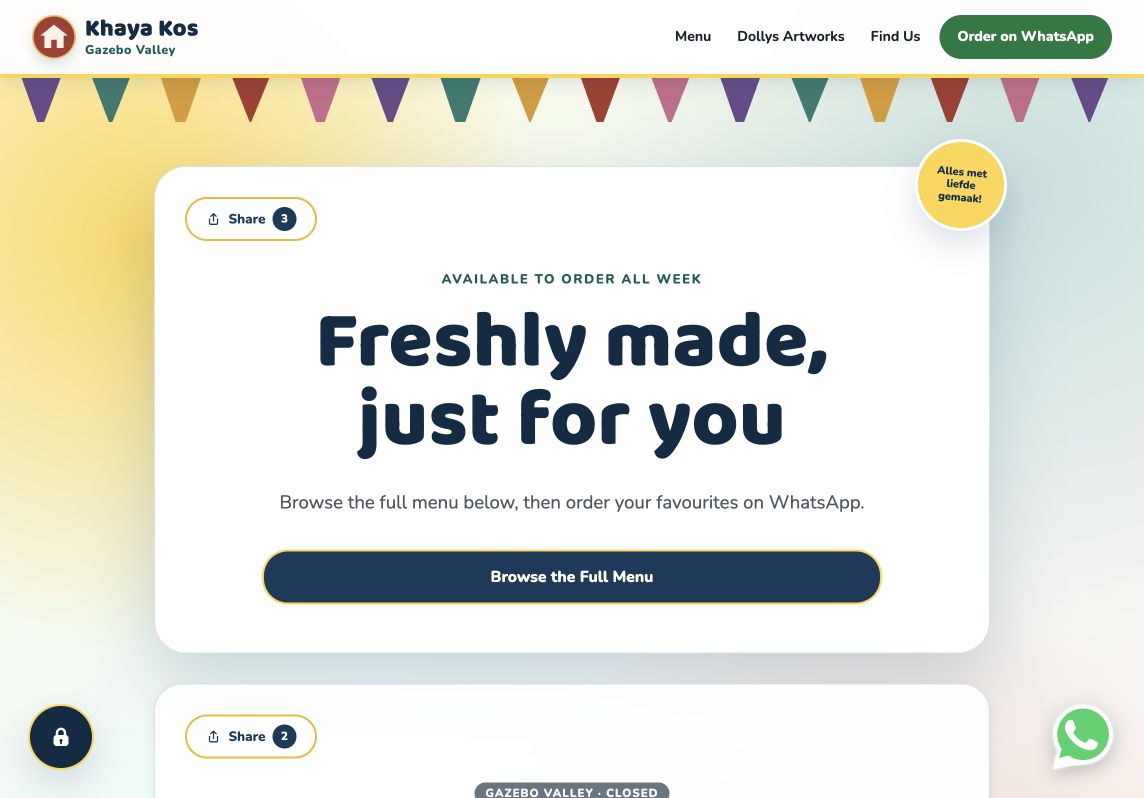
Khaya Kos takes orders throughout the week and has a Saturday presence at Gazebo Valley in Pearly Beach. Customers need a place to browse the food, check prices and find out where to go.
Behind the scenes, the business needs to change products, photos, prices and availability without editing code for every small update. That practical need was the starting point for the build.
I originally developed Khaya Engine for Khaya Kos, giving the business a way to keep its own website current.
The customer journey stays simple, with the food at the centre and WhatsApp close at hand.
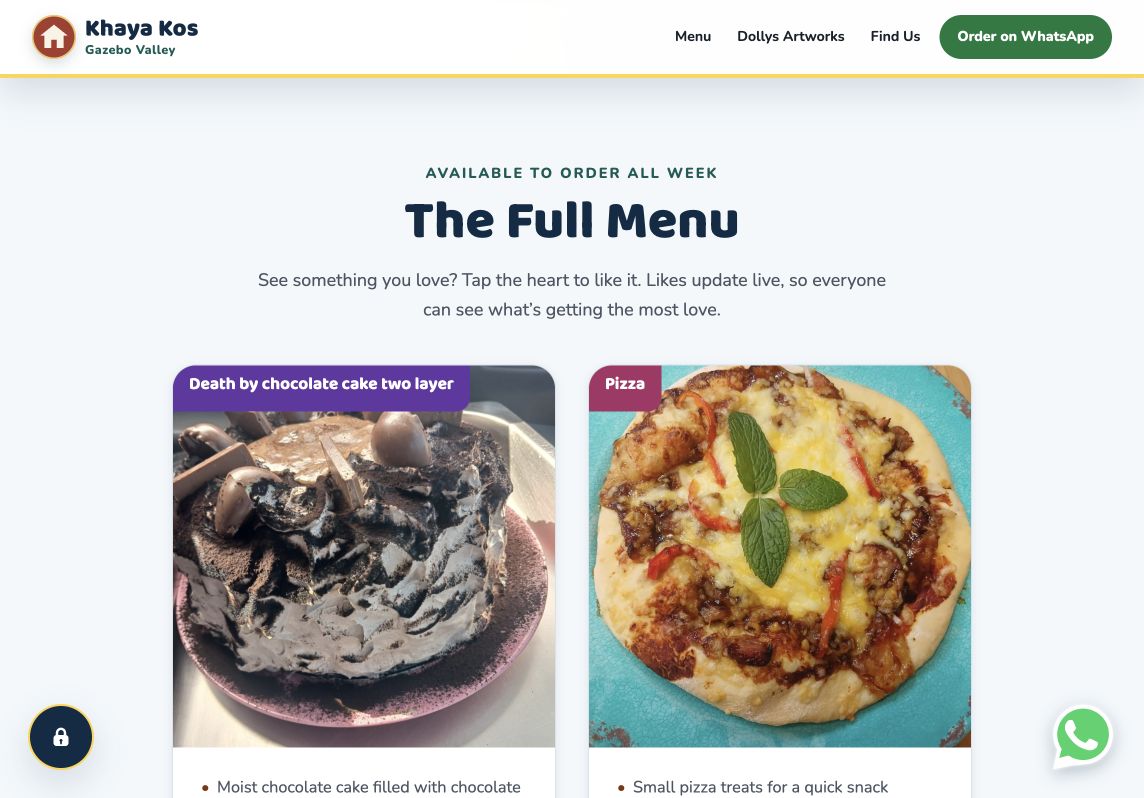
Product photos, descriptions and prices give visitors a clear view of what they can order throughout the week.
WhatsApp links let customers move from browsing to a conversation with Khaya Kos about their order.
A dedicated Saturday market area shows the stall’s status, with live stock updates when it opens. The location section includes a map to help visitors find it.
Visitors can like their favourite products. Shared live counts make those interactions visible to other customers.
The owner workspace separates everyday content changes from market stock updates. The owner can change a product’s name, description, price or photo, and add or remove products as the selection changes.
Market products can be prepared while the stall is closed. When it opens, stock controls let the owner record a sale or correct the remaining quantity. A separate optional section can be prepared out of sight, then shown when it is ready.
These controls put the routine updates in the owner’s hands, with saved changes appearing on the customer-facing website.
See the owner-editing demonstration ↗Khaya Kos brings its menu, market information and ordering links together in one place, with editing tools that let the business maintain the details itself.
The same approach now sits at the heart of Khaya Web Studio. Each new website gets its own design and features, shaped around what that business needs to keep up to date.
Read the story behind Khaya Web Studio ↗